

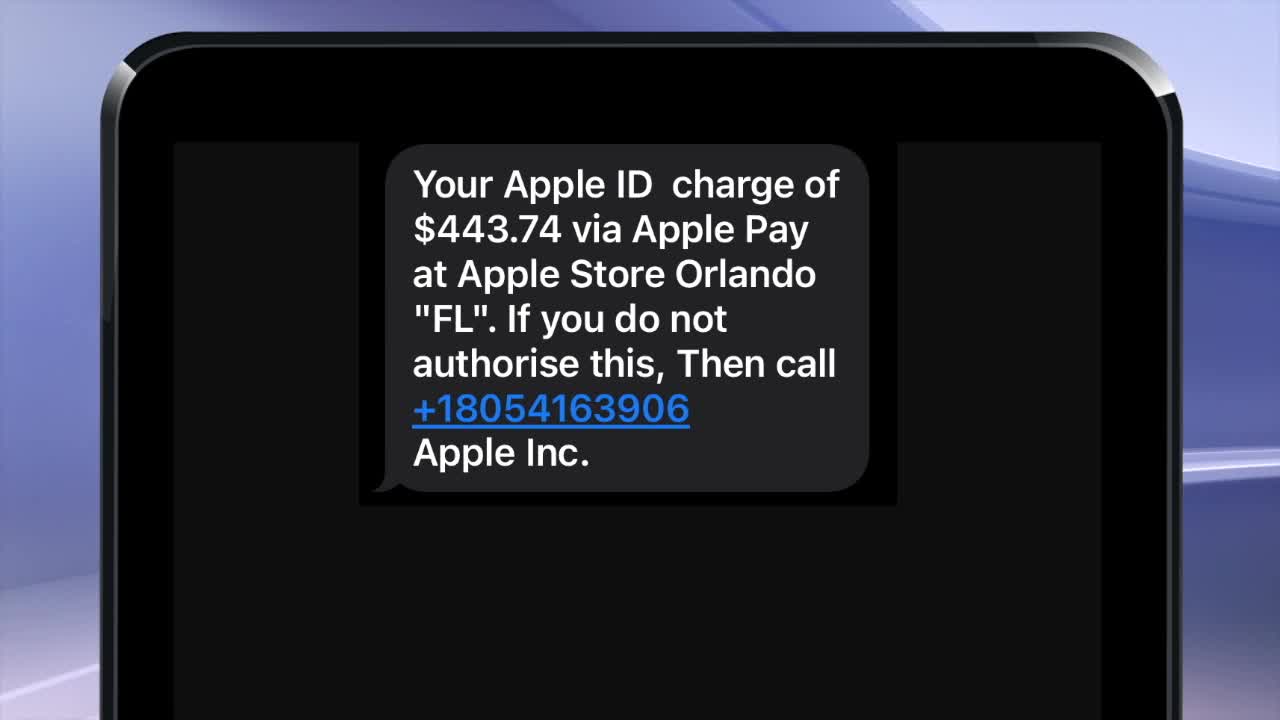


SOUTHGATE, Mich. (WXYZ) — A phishing scam is targeting people who have iPhones or use Apple Pay or Apple Cash. A woman from Southgate received a text about an Apple Pay charge she didn't make.
Watch Alicia's report in the video player below
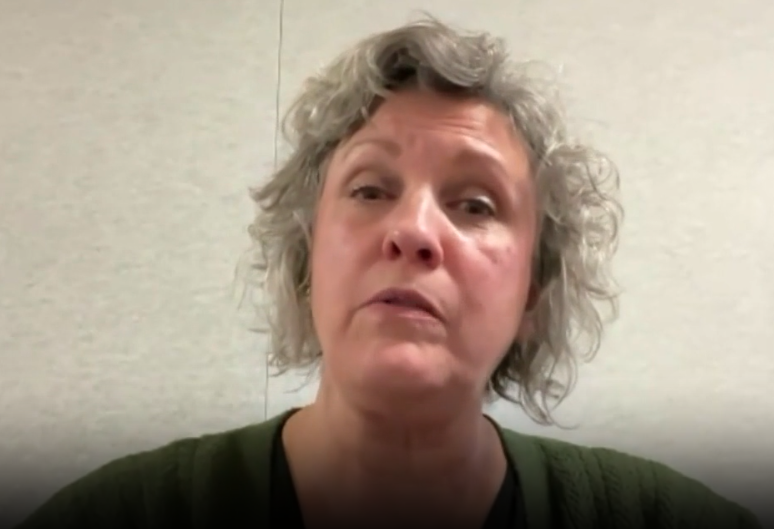
Sherri Packwood said she almost fell for the scam. She emailed our tip line — tips@wxyz.com — in hopes her story would help prevent others from being victimized, especially around the holidays. She received a text, reading 'your Apple ID charge of $443.74 via Apple Pay at Apple Store Orlando "FL". If you do not authorise this, then call +18054163906' and it ended with 'Apple Inc.'
What happened when she called the number?
“So, a man answered the phone and he was foreign-sounding, but I could understand him clearly," Sherri said. "And he made it sound like he worked for Apple.”
He wanted her to download an app called Connectwise Control.
“It was supposed to give him remote access to my device," Sherri told me.
If a scammer asks you to download an app, they're likely trying to install malware or gain remote access to your phone to steal your personal or financial information. Apple support will not ask you to download an app.
So, what was the moment that Sherri realized this had to be a scam?
“It was after the ConnectWise didn't work, and he wanted me to then go to my Safari and open up the browser for that and then enter in a URL address," she replied.
That step also didn't work, so she bailed on the call and went to her Credit Union to make sure her account had not been compromised.
There were some red flags in the text. The number they ask you to call is not a real Apple Support phone number, and the number the message is coming from is random as well. Also, the state abbreviation for Florida is oddly in quotes, and the word authorize is spelled with an 's' instead of a 'z'.
Apple Support said if you get one of these texts, don't engage, don't reply, and don't call the number provided or click any links.
Next, report the text, take a screenshot of the message, and email it to reportphishing@apple.com. Then, verify independently by checking your Apple account yourself, by going to the wallet app in your phone, clicking on Apple Cash, and then viewing your transactions. Then, block the number on your iPhone to stop future texts from them.
”If that app had worked, who knows what would have happened, what kind of compromise would have happened to my information and my accounts," Sherri said.
To verify Apple contacts or phone numbers, you can always go directly to Apple's official website or the official app for support.
Bottom line: don't trust links or numbers in texts or emails. Scammers often try to create a sense of urgency, like saying that a charge is going to go through if you don't call us right now to verify or cancel it. Again, go directly to Apple or your account if you have a question about a charge.
